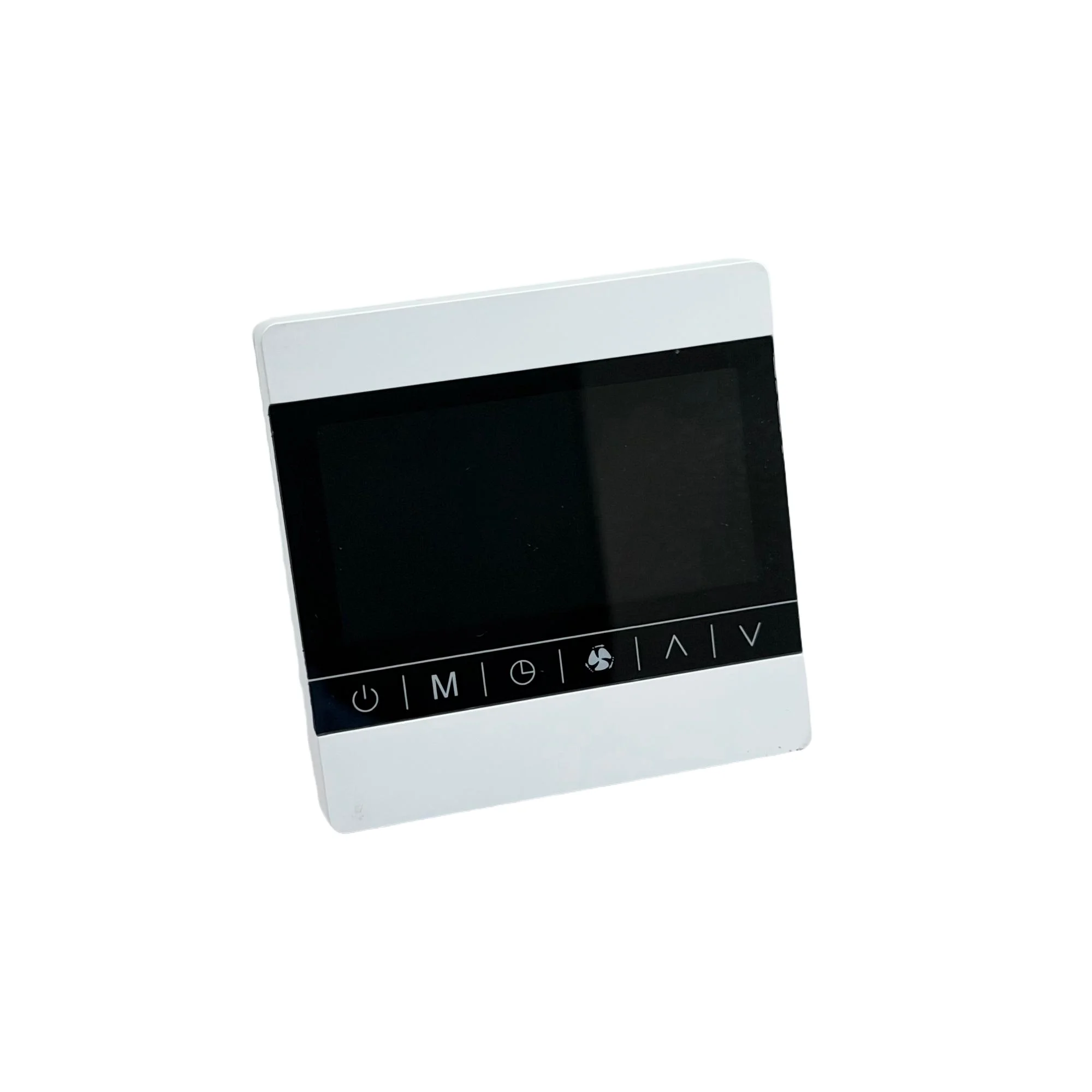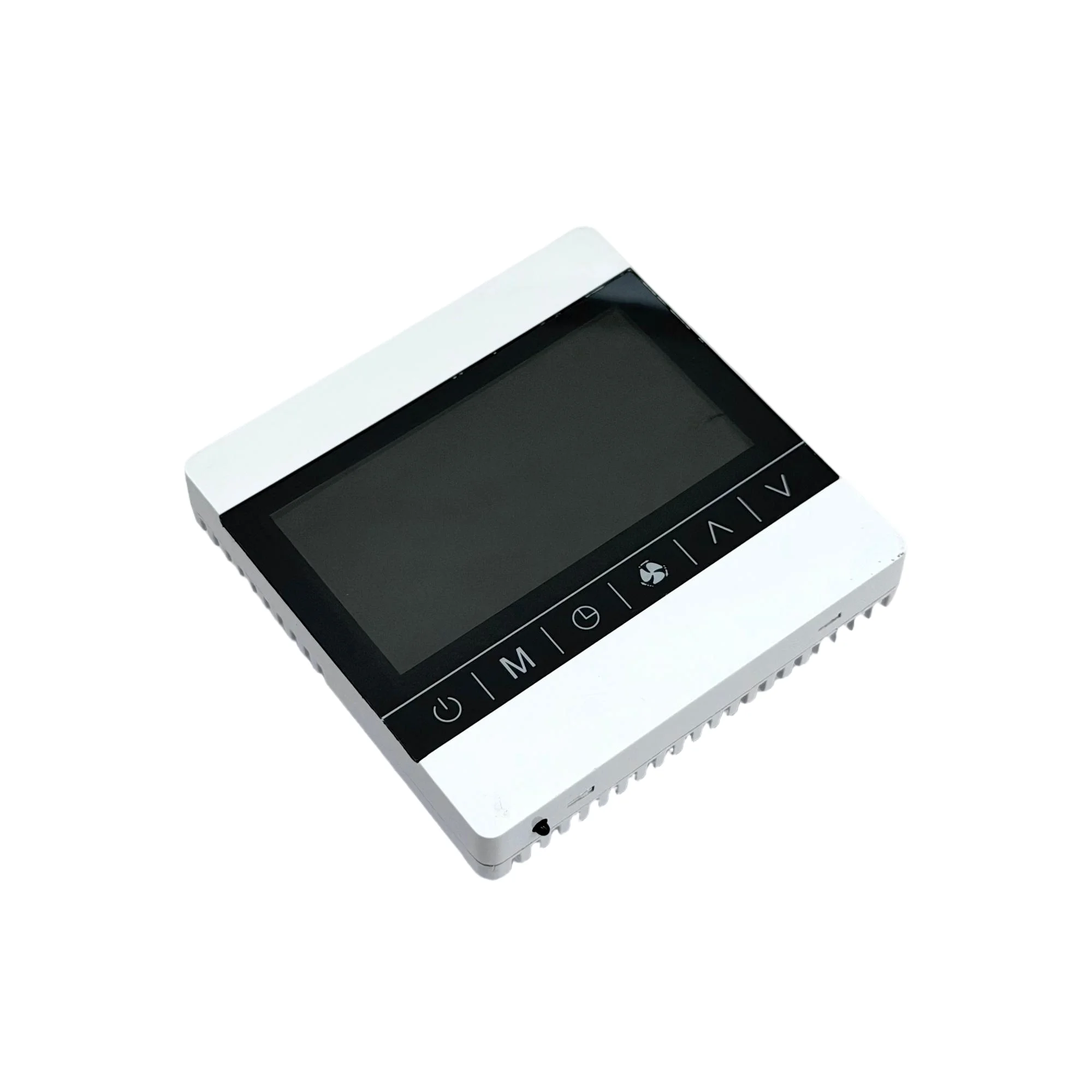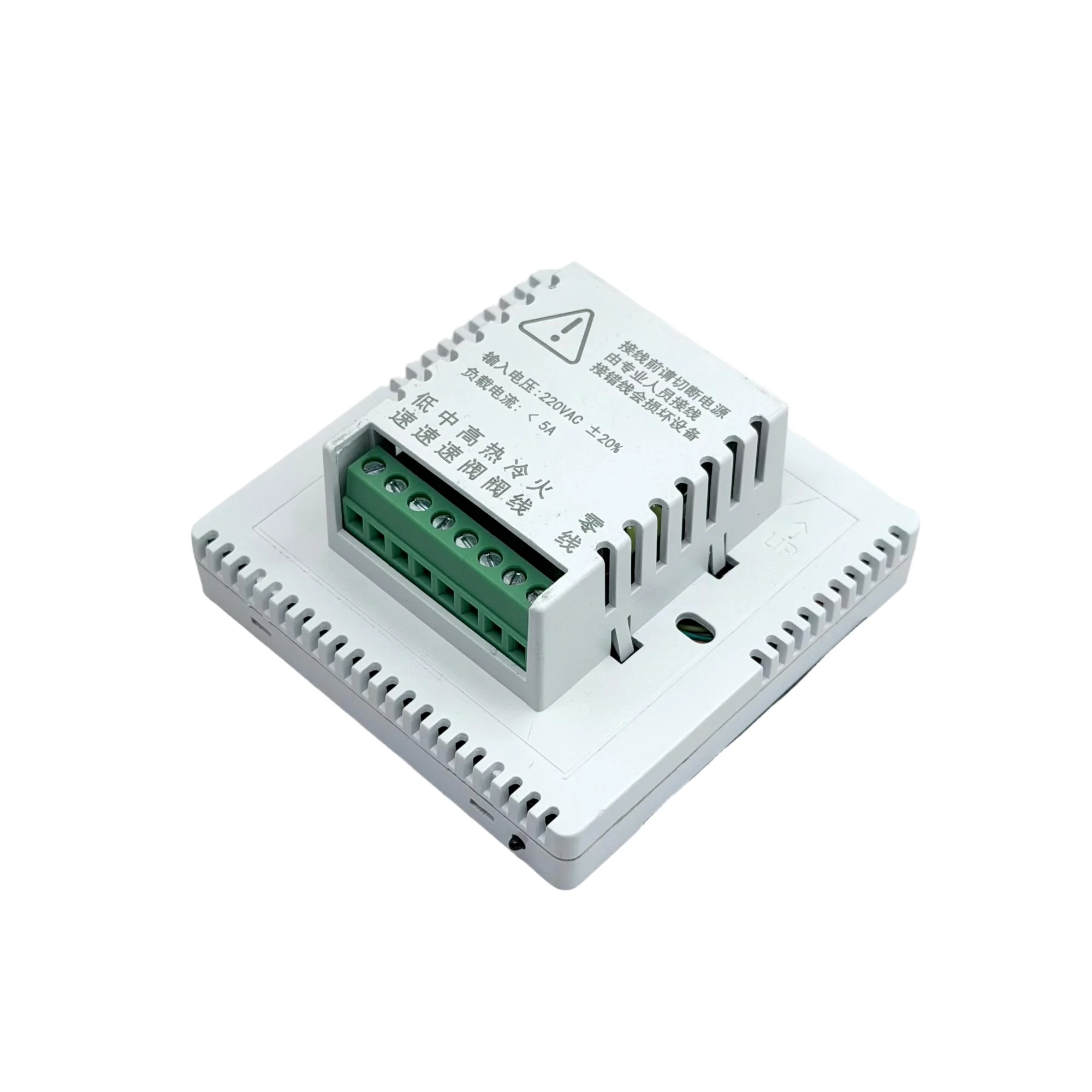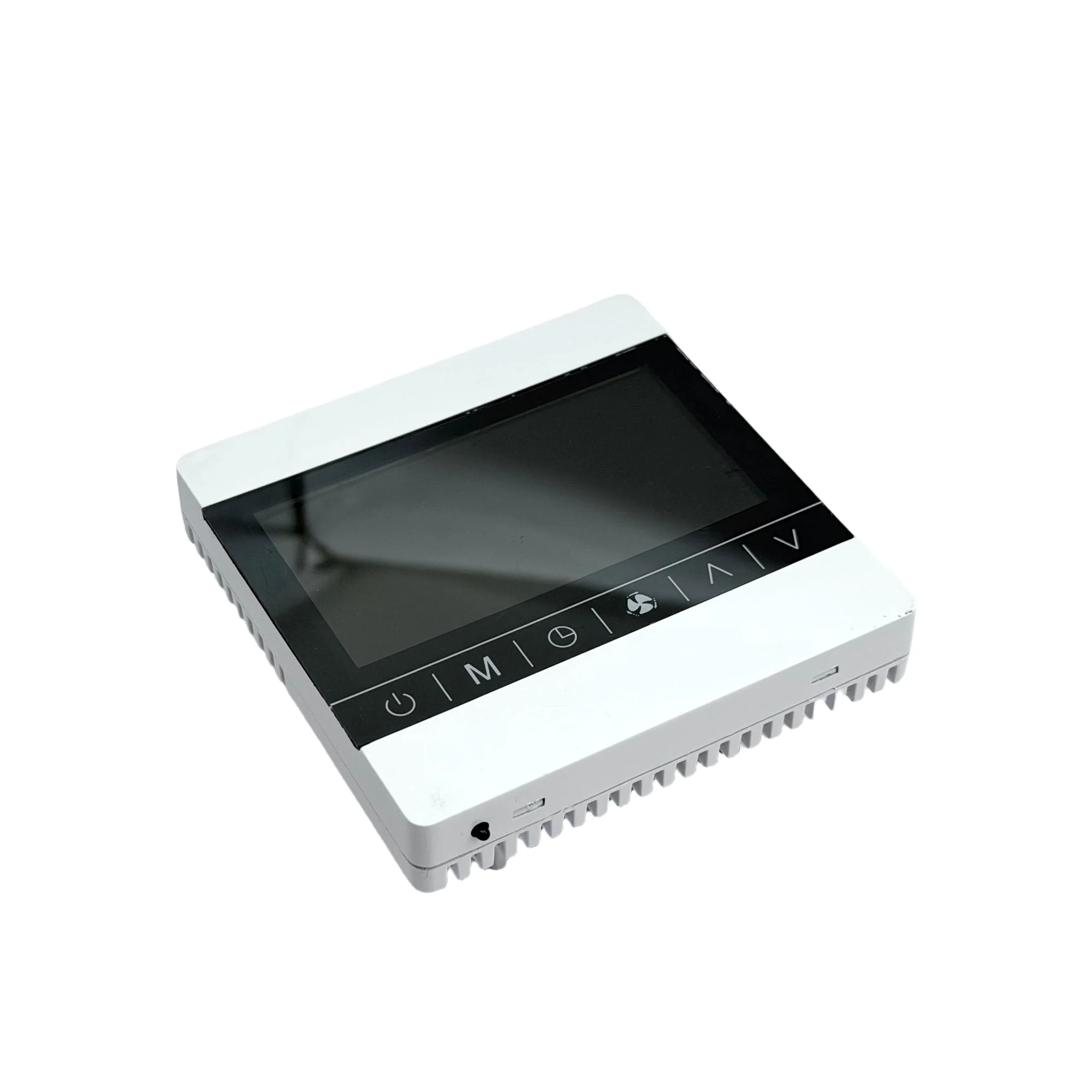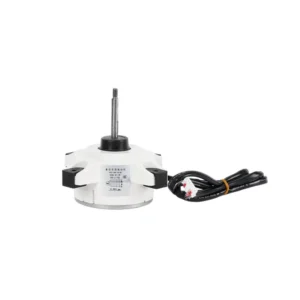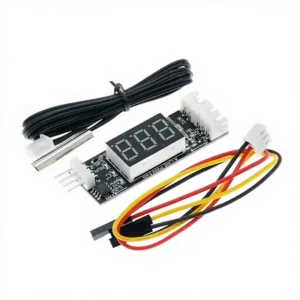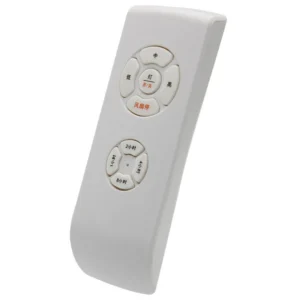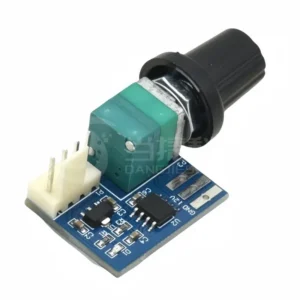
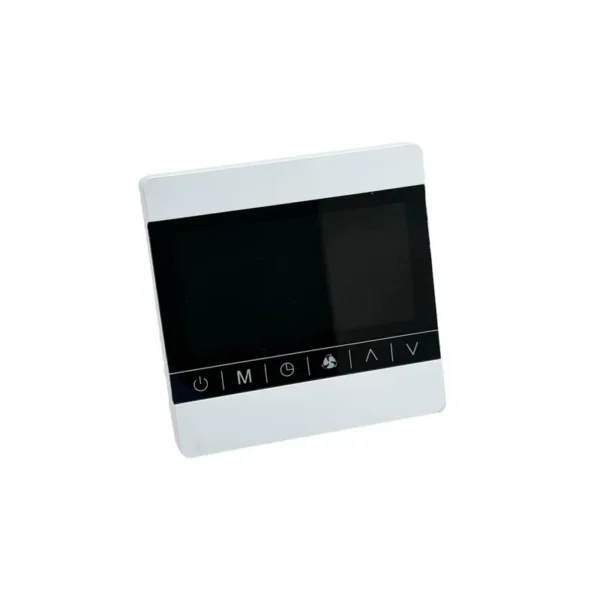

Touch Display Three-speed Fan, LCD, RS485 - view 2
Touch Display Three-speed Fan, LCD, RS485 - view 3
Touch Display Three-speed Fan, LCD, RS485 - view 4
Touch Display Three-speed Fan, LCD, RS485 - view 5
Touch Display Three-speed Fan, LCD, RS485 - view 6

Touch Display Three-speed Fan, LCD, RS485

$7.00

Touch Display Three-speed Fan. Key specification: model number YTC-WKQLCD. Ships factory-direct with the manufacturer’s data sheet.

Mounting Type
Panel Mounting
Model Number
YTC-WKQLCD
Place Of Origin
Fujian, China
  • Reply within one working day
  • Factory-direct pricing, OEM & ODM accepted
  • Full specification and test reports supplied

Get Factory Pricing

Free quotation direct from the manufacturer — price, MOQ and lead time, usually within one working day. No account needed.

Enquiring about Touch Display Three-speed Fan, LCD, RS485

Touch display three-speed fan — model number YTC-WKQLCD. The complete factory specification follows. Made by Yitongchuang (xiamen) Electronic Technology Co., Ltd. (6 years on the platform, typical reply ≤3h). Quantity and destination market determine the final price — tell us both for a firm quote.

Key Features of This Touch Display Three-Speed Fan

  • Model Number: YTC-WKQLCD
  • Place Of Origin: Fujian, China
  • Functional Application: Industrial Control,Motor Control,Famiglia
  • Mounting Type: Panel Mounting
  • Single Package Size: 8.6X8.6X4.05 cm
  • Single Gross Weight: 0.0 kg

Technical Specifications

Mounting Type Panel Mounting
Functional Application Industrial Control,Motor Control,Famiglia
Model Number YTC-WKQLCD
Place Of Origin Fujian, China
Brand Name YTC
Selling Units Single item
Single Package Size 8.6X8.6X4.05 cm
Single Gross Weight 0.0 kg

Product Details

Product Description
Touch Display Three-speed Fan, LCD, RS485 - detail 1Touch Display Three-speed Fan, LCD, RS485 - detail 2
Product Overview

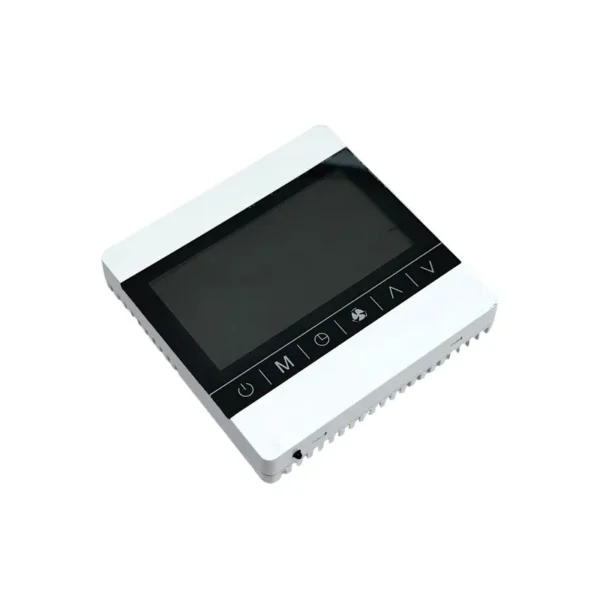
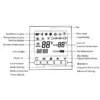
This controller, newly developed to meet market demands, features a large LCD touch screen display. The panel design is simple and clear, with fully functional buttons. It can control devices such as three-speed fans, three-way and two-way electric valves, solenoid valves, etc.
Specification
Touch Display Three-speed Fan, LCD, RS485 - detail 3Touch Display Three-speed Fan, LCD, RS485 - detail 4
Touch Display Three-speed Fan, LCD, RS485 - detail 5Touch Display Three-speed Fan, LCD, RS485 - detail 6
Touch Display Three-speed Fan, LCD, RS485 - detail 7Touch Display Three-speed Fan, LCD, RS485 - detail 8
item
value
Model Number
YTC-WKQ
Place of Origin
China-Fujian
Brand Name
YTC
Functional Application
Industrial Control,Motor Control,Famiglia
Mounting Type
Panel Mounting
Function description

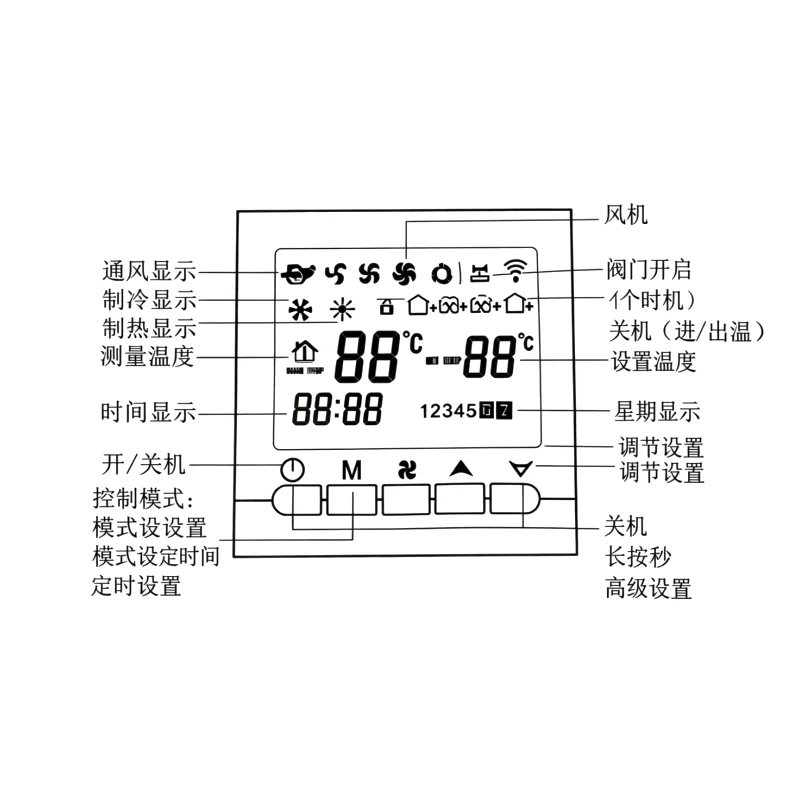
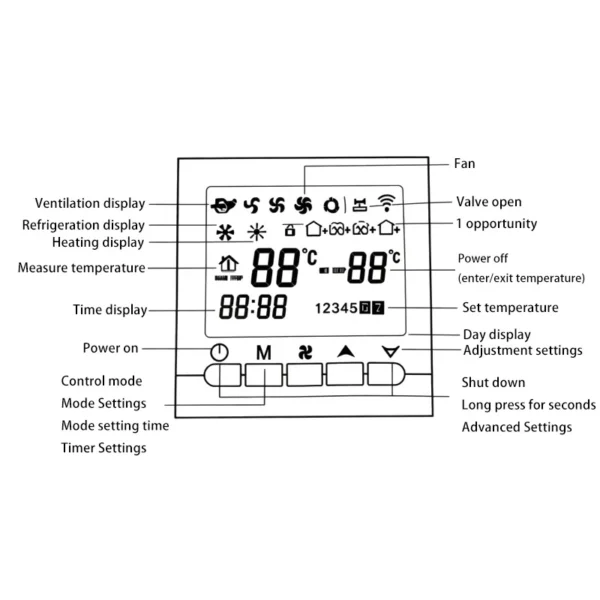
1. On/Off: Press the "" key. 2. Temperature setting: Adjust the parameter by increasing with "▲" and decreasing with "▼". The factory default temperature is 26℃. 3. Mode setting: Press "M" to select " " for heating; " " for cooling; improve air circulation The default mode when turned on is "Ventilation". 4. Wind speed setting: The factory default fan mode is (low). Press the "" key to select wind speed: (low), (medium), (high), (auto). If you select (auto), the fan will automatically adjust according to the room temperature and the set temperature.
Touch Display Three-speed Fan, LCD, RS485 - detail 9Touch Display Three-speed Fan, LCD, RS485 - detail 10
technical parameters

Operating voltage: AC220~240V, 50/60Hz Power consumption: <0.5W
Load current: <10A Temperature sensor: NTC
Temperature control accuracy: ±1℃; Set temperature range: 10°C – 40°C
Time and scheduled power-on/off settings

1. Time setting: Press the "M" key for more than 5 seconds until the "hh" in "hh: mm" flashes. Press "▲" and "▼" to adjust the hours. After the hours are adjusted correctly, press the "M" key until the "mm" in "hh: mm" flashes. Press "▲" and "▼" to adjust the minutes. The adjustment will be automatically confirmed 7 seconds after completion. Then press the "M" key in the week setting area until "1, 2, 3, 4, 5, 6, 7" flashes. Press "▲" and "▼" to adjust the week, with 1 representing Monday, 2 representing Tuesday, and so on.
2. Timed power-on setting: Press the "M" key for more than 7 seconds, then press the "M" key 3 times (that is, after setting the time, press the "M" key again) until the " " and the "hh" of "hh: mm" flash. Press "▲" and "▼" to adjust the hours; after the hours are adjusted correctly, press the "M" key until the "mm" of "hh: mm" flashes. Press the "▲" and "▼" buttons to adjust the minutes. After the adjustment is complete, press the " " key to confirm. At this point, the " " no longer flashes, and the timed power-on setting is complete. The operation method to cancel the timed power-on setting is the same as the power-on method. Press the "M" key and press the " " key in the timed power-on state. At this point, the " " flashes, indicating that the timed power-on has been canceled.
3. Timed shutdown setting: After setting the timed power-on, press the "M" key until the " " and "hh" of "hh: mm" flash. Press "▲" and "▼" to adjust the hours. After the hours are adjusted correctly, press the "M" key until the "mm" of "hh: mm" flashes. Press "▲" and "▼" to adjust the minutes. After adjustment, press the " " key to confirm. At this point, the " " no longer flashes, and the timed shutdown setting is complete. The operation method to cancel the timed shutdown setting is the same as the method to set the timed shutdown. Press the "M" key and press the " " key in the timed shutdown state. At this point, the "zone" flashes, indicating that the timed shutdown has been canceled. Power-on settings for the third and fourth time slots: Similar to the first and second time slots, the icon " " is used for power-off and power-on (leaving and entering the room).
4. Seven-day cycle setting: After setting the timing on/off, press the "M" key again. Display "Loop" and press "▲" or "▼" to adjust 12345, 123456, or 1234567. 12345 indicates that the timing on/off is effective for Monday to Friday, 123456 indicates that it is effective for Monday to Saturday, and 1234567 indicates that it is effective for all seven days.
Advanced Settings (Recommended for Professional Operation)
1. Temperature Calibration Settings (Perform the following operations only when there is a temperature deviation): Long press the "" key, and the time area of the LCD display will show "XX X". For example, "265" indicates 26.5℃. Press "▲" or "▼" to adjust to the accurate temperature, and it will be automatically confirmed after 5 seconds.
2. Fan control mode (fan stops or continues running when the temperature reaches the set temperature): After calibrating the temperature, press the wind speed button again and press the "$" key. The time area of the LCD display will show "F01" or "F00". "F01" indicates that the fan is running, while "F00" indicates that the fan has stopped. You can adjust it by pressing "▲" or "▼".
3. Fan speed parameter setting: After calibrating the temperature, press the mode key "M" once. The time area of the LCD display will show "L3.5". "L" indicates low speed, and "3.5" indicates a control voltage output of 3.5V (35% of the motor's maximum speed output value). Press the mode key "M" again, and it will display "Π6.7" indicating medium speed, with "67" indicating a control voltage output of 6.7V (67% of the motor's maximum speed output value). Press the mode key "M" again, and it will display "H85" indicating high speed, with "85" indicating a control voltage output of 8.5V (85% of the motor's maximum speed output value). You can press "▲" or "▼" to adjust the voltage output value and set the speed.
Installation Instructions

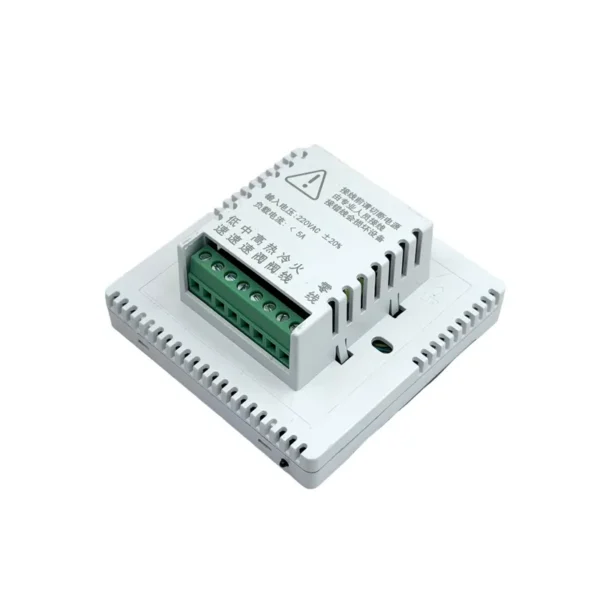
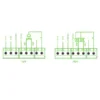
1. Disconnect the power supply before starting the installation to prevent electric shock or damage to the equipment. 2. Overloading is prohibited according to the specified rated current. 3. The installation wire must use a single-strand hard wire with a cross-sectional area of 1.5-2.5mm².
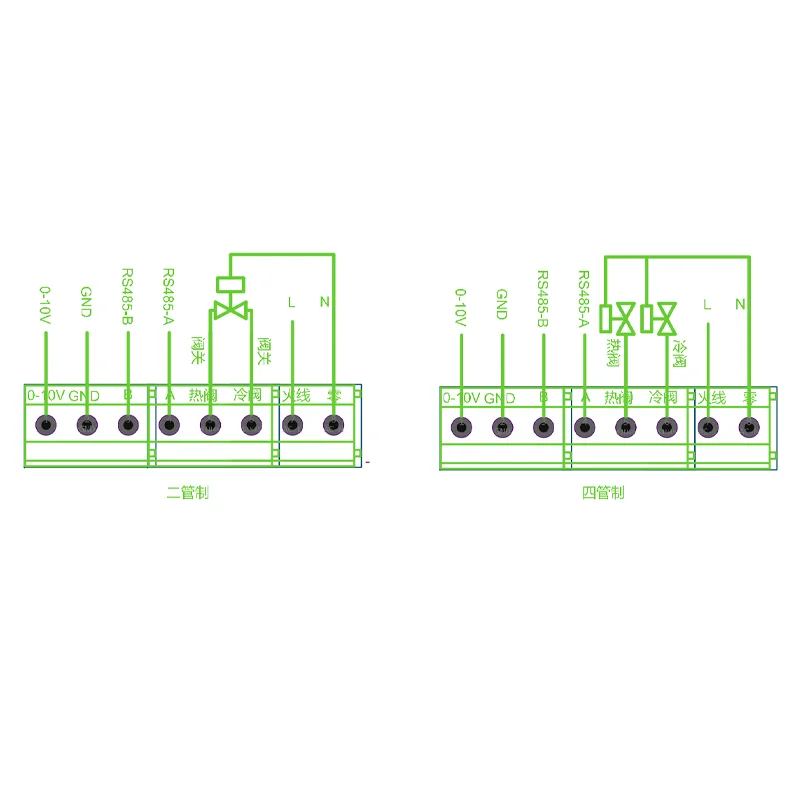
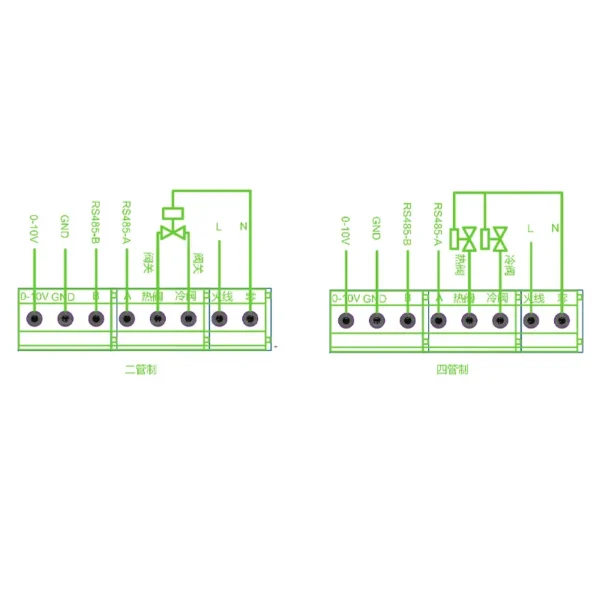
Wiring Diagram
Touch Display Three-speed Fan, LCD, RS485 - detail 11Touch Display Three-speed Fan, LCD, RS485 - detail 12
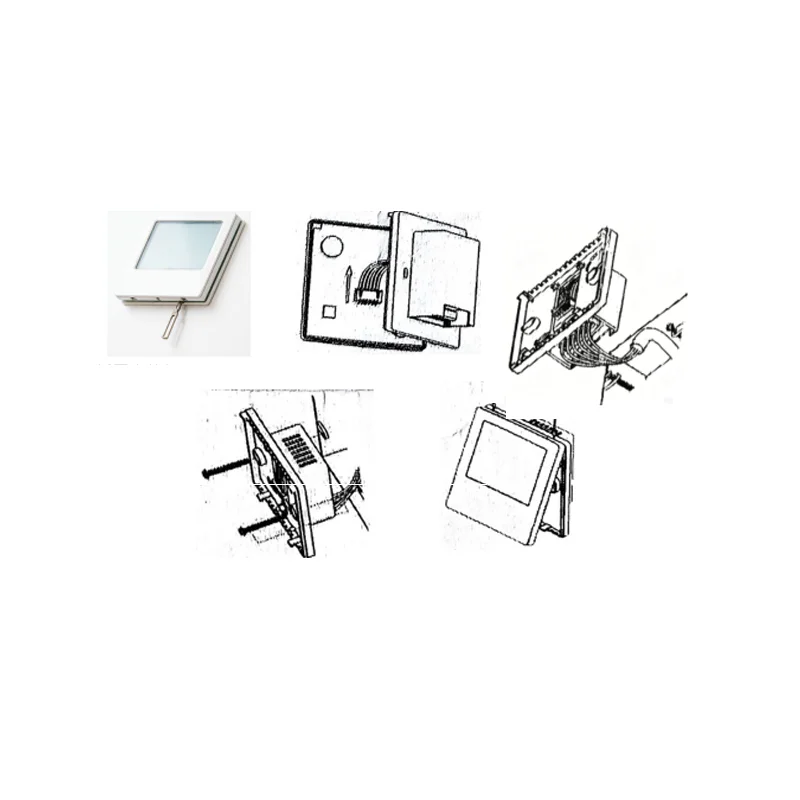
Installation Diagram
Touch Display Three-speed Fan, LCD, RS485 - detail 13Touch Display Three-speed Fan, LCD, RS485 - detail 14
1. Disassemble the main control board: Use a 3.5mm wide flathead screwdriver to insert it into the slot along the bevel to a depth of 4mm, and pry up slightly with force to open the hook. 2. Remove the flat cable. 3. Connect the wires according to the diagram. 4. Use the two screws provided in the packaging box to secure the wired thermostat base plate to the wall. 5. Attach the two hooks at a 30-degree angle, press slightly on the two corners below the thermostat to engage the upper shell, and the installation is complete.
FAQ
1. Are you trading company or manufacturer? We are factory. we are based in Xiamen, China, start from 2018,sell to Domestic Market, such as Africa, Mid-East,North America, Asia, Europe. 0ur valves will be 100% tested before delivery. 2.why should you buy from us not from other suppliers? A: professional manufacturer for nearly 10 years.Customizationability: logo, material,pressure and logo.Timely delivery and quotation. 3.Do you provide samples? is it free or extra? A: Yes, we could offer charged sample and the cost can be reduced from folloving batch quantity order. As ourproducts are too heavy, sample freight will not be covered at our side. 4. can l request to change the form of packaging and transportation? A: Yes, we can change the form of the packaging and transportation according to your request. 5. Can i have my own Logo on the product? A: Yes, you can send us your drawing and we can make your logo, but you have to bear their own the cost. OEMorders are welcomed. 6:What is the warranty period? A: Generally speaking, it is 3 year after the shipment date. 7.Do you accept custom design on size? A: Yes, if the size is reasonable and the order quantity is good 8. How long is your delivery time? A:Normally it is 5-10 days if the goods are in stock. And it is about 20-25 days if the order quantity is quite big. itdepends on your actual order scale. 9.TransportationTransported by DHL, UPS, EMS, FedEx, SF, by Air, by sea
Touch Display Three-speed Fan, LCD, RS485 - detail 15Touch Display Three-speed Fan, LCD, RS485 - detail 16

Ordering and Pricing

  • Minimum order quantity: 500 piece
  • Volume pricing:
    • 500+ piece: US $7 / piece
  • Ships from: China
  • Customization: OEM and ODM accepted on qualifying volumes.

Frequently Asked Questions

What is the minimum order quantity for this touch display three-speed fan?

The standard minimum order quantity is 500 piece. Trial orders can usually be arranged for buyers evaluating the product before a full production run.

Do you accept OEM or custom branding?

Yes. Custom logo, colour, packaging and specification changes are accepted on qualifying order volumes. Send your artwork and technical requirements with your enquiry.

How long does production and delivery take?

In-stock configurations typically ship within 7–15 days. Customised or large-volume orders are usually produced in 25–35 days, confirmed on order.

About the Manufacturer

This product is produced by Yitongchuang (xiamen) Electronic Technology Co., Ltd., based in China. The company 6 years as a verified Alibaba.com supplier, operates its own manufacturing. Browse the full Yitongchuang (xiamen) Electronic Technology Co., Ltd. range on HVACR Nexus.

Mounting Type

Panel Mounting

Functional Application

Industrial Control,Motor Control,Famiglia

Model Number

YTC-WKQLCD

Place Of Origin

Fujian, China

Brand Name

YTC

Selling Units

Single item

Single Package Size

8.6X8.6X4.05 cm

Single Gross Weight

0.0 kg

More from Yitongchuang (xiamen) Electronic Technology Co., Ltd.

Other equipment from the same manufacturer — one enquiry can cover several items.

Compare Other Speed Controllers & Regulators

Alternatives in the same category, from different verified suppliers.

Explore related

Specifications, certifications and images on this page are as published by the manufacturer and have not been independently tested or verified by HVACR Nexus. Confirm the full specification and the approvals valid in your market in writing before ordering. Content & IP notice